Overview
Bring funding, project budgets, and responsibilities together in one place
Use Sources of Funding to monitor restricted funds, grants, and other budgets across several projects. Each source can hold an approved amount, runtime, funding period, permitted projects, and the budget items assigned to it.
The area also supports day-to-day collaboration. Responsible people, users with write access, open tasks, documents, categories, reminders, and the change history are available directly on the source.
Source or group?
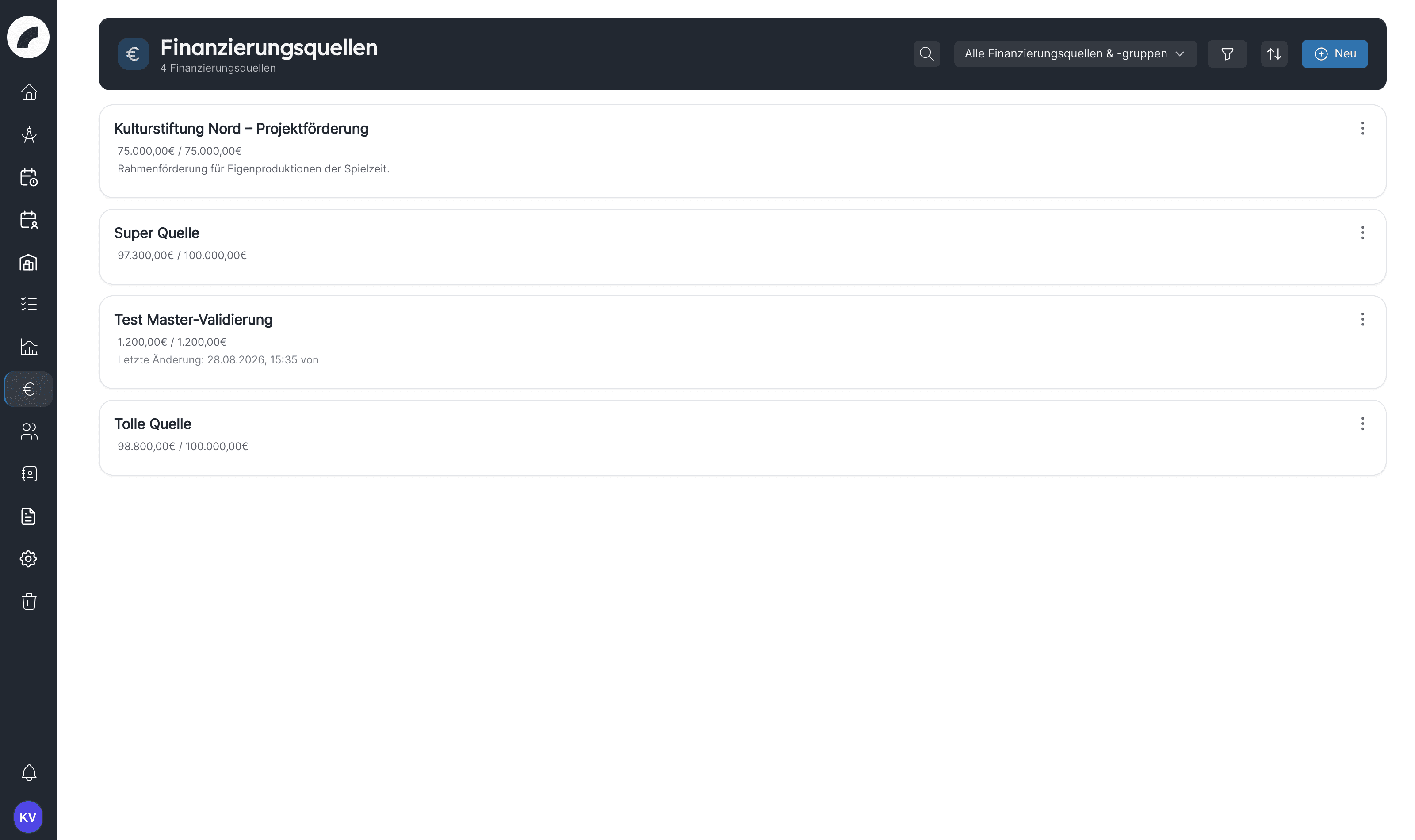
| Element | Purpose |
|---|---|
| Source of funding | A specific fund with its own initial amount, periods, and linked budget items |
| Funding group | A shared overview of several sources, for example all grants belonging to a season or programme |
You assign an individual source to a group through Edit, or you select it when creating the group. The detail page of a group combines the positions of its member sources. A group therefore provides an overview; it does not replace the individual sources.
Which figures does Artwork show?
| Display | Meaning |
|---|---|
| Original volume | The initial amount entered for the source |
| Still available | Initial amount adjusted by the linked budget positions |
| Used | Percentage of the volume already claimed |
| Totals per project | Balance of linked income and cost positions per project |
Costs reduce the source while income increases the displayed balance. The calculation is based on budget positions assigned to the source in its linked projects. It is therefore only as current as those project budgets and their assignments.
Typical workflow
Create & manage
Complete the fields, create groups, filter the list, pin, duplicate, and delete sources.
Projects & budgets
Permit projects, assign budget items, and interpret remaining amounts and project totals.
Collaboration
Use access roles, tasks, reminders, documents, and history.
Settings
Centrally create, assign, and safely remove categories.
Visibility and permissions
The menu item Sources of funding requires the enabled module and the permission Manage sources of funding (module Budget & funding). With this permission you see all sources and groups in the overview. Without it you cannot open the area, even if you are listed as responsible on a source. Admins may do everything.
| Action | Who may perform it |
|---|---|
| Open the overview and the detail page | Manage sources of funding |
| New, Duplicate, Pin | Manage sources of funding |
| Edit (master data) | Manage sources of funding, Global budget access, the creator, and people listed on the source under Responsible or Write access |
| Delete | Delete all sources of funding, Global budget access, or the creator |
| Edit the side panel (sharing, categories, projects, documents, tasks) Coming with the next update | Manage sources of funding, Delete all sources of funding, Global budget access, the creator, and people listed on the source under Responsible or Write access |
The edit buttons in the side panel follow the same rule as saving: anyone who may edit the source also sees them.
Releasing a project on a source does not give the project team access to the funding sources area. Anyone working in the project budget can, however, select the sources released for the project when linking; only the name of the source appears there, not its amount or funding period.
Artwork only shows Edit, Duplicate and Delete if you are actually allowed to perform the action on that source. If an action such as New, Edit, Duplicate, or Delete is not available, this is due to your role or the access settings of that specific source; the permissions are also checked on the server. The module's settings require the separate permission Sources of funding settings.
Funding overview, not bank accounting
Artwork evaluates the project budget positions linked inside the system. It does not import bank transactions and does not replace financial accounting. Regularly check that all relevant positions are assigned to the correct source.
Last updated on